Skip to content

Document processing automation

Document processing automation

Invoices, orders and forms arrive as PDFs, emails and phone photos, and someone types them in. We build workflows that read each document, check it against what you expected, enter it in your system and send anything doubtful to a person, with every entry linked back to its source.

vevilo / shared inventory
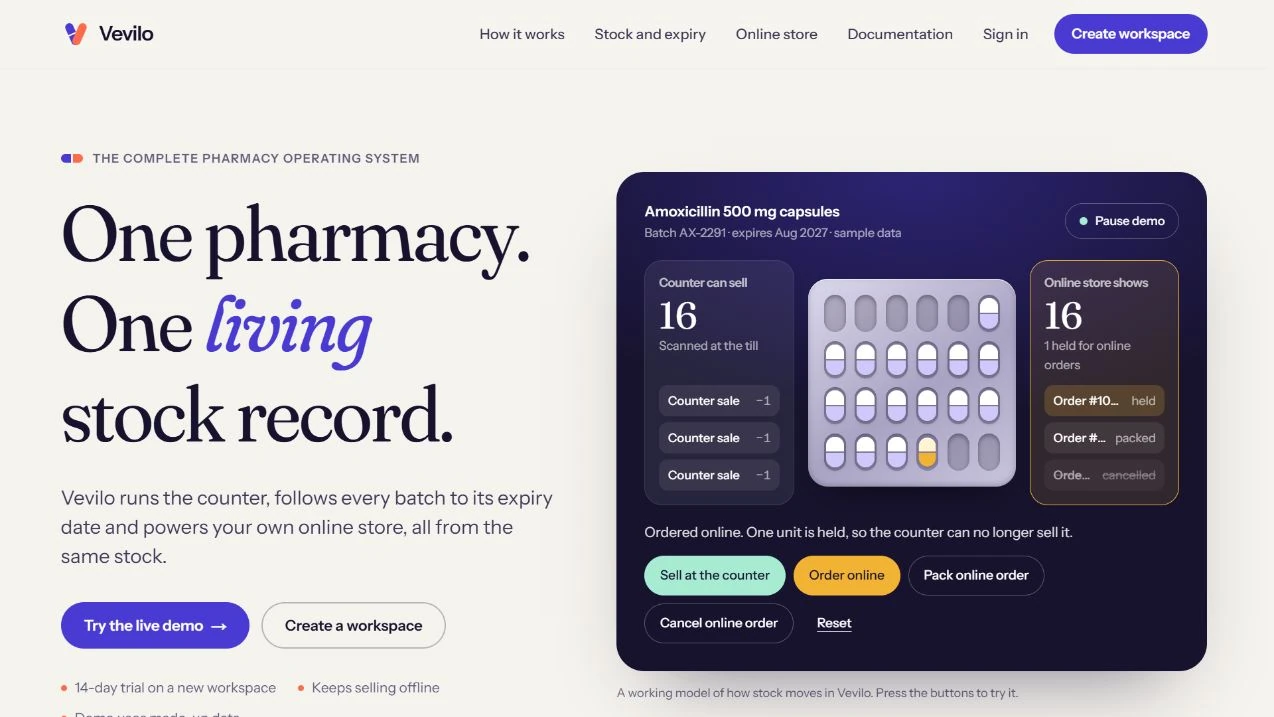
Vevilo’s public product preview shows the pharmacy counter and online store reading from the same stock record.

Who it is for

Built for teams like these.

  • Finance teams entering supplier invoices

    Each invoice is opened, read, checked against an order and typed into accounting software, many times a week.

  • Operations teams receiving orders and forms by email

    Orders, delivery notes and application forms land in a shared inbox in different layouts and need the same details taken out.

  • Businesses still working from paper

    Documents photographed on a phone and retyped later. The photo is enough for a workflow to start from.

The problems it solves

What goes wrong without it.

  1. 01

    The same details typed again

    Supplier, date, line items and totals are already on the document. Retyping them takes time and adds mistakes.

  2. 02

    Mismatches found too late

    A total that does not match the order is noticed at month end, if at all. Checking at the moment the document arrives catches it while it is easy to fix.

  3. 03

    No way back to the original

    An entry in the accounts with no link to the document behind it is hard to check. Every entry we create points back to its source.

What we build

What is covered.

  • Extraction from PDFs, emails and photos

    Supplier, dates, references, line items and totals read from the document, whatever its layout.

  • Validation against your rules

    Totals added up, line items matched to the purchase order, known suppliers checked, duplicates caught before they are entered.

  • A review queue for doubtful fields

    Fields the system is not confident about go to a person, with the document beside them, before anything is posted.

  • Entry into your system

    Prepare a draft or import for your accounting software, ERP or spreadsheet, with the source invoice attached. Record the destination's reference after a successful write and keep rejected entries in a queue for review.

How we work on it

The approach, for this kind of project.

The full seven-stage process
  1. 01

    Gather real samples

    A set of the documents you actually receive, including the messy ones, so the workflow is built for them.

  2. 02

    Agree the checks

    What must match, what counts as a duplicate and which fields always need a person to look.

  3. 03

    Run alongside your team

    Compare prepared entries with reviewed invoices. Track accuracy separately for supplier, currency, tax, totals and line items. Include repeated invoice numbers across distinct suppliers and check how the workflow handles a retry.

  4. 04

    Hand over the routine

    Once the comparison holds, routine documents go through the workflow and the review queue handles the rest.

In our work

Related work.

Neither project reads documents. Vevilo's purchasing records batches and expiry dates, the kind of data an invoice workflow would feed. Manager Relay shows how we build AI steps that wait for approval.

  • Vevilo’s public product preview shows the pharmacy counter and online store reading from the same stock record.

    AI Techbom product / pharmacy operations and pos

    Vevilo

    Vevilo runs the pharmacy counter, tracks medicine batches and expiry dates, and powers a branded online store from one stock record. The desktop till can keep selling through an internet outage.

    Live product
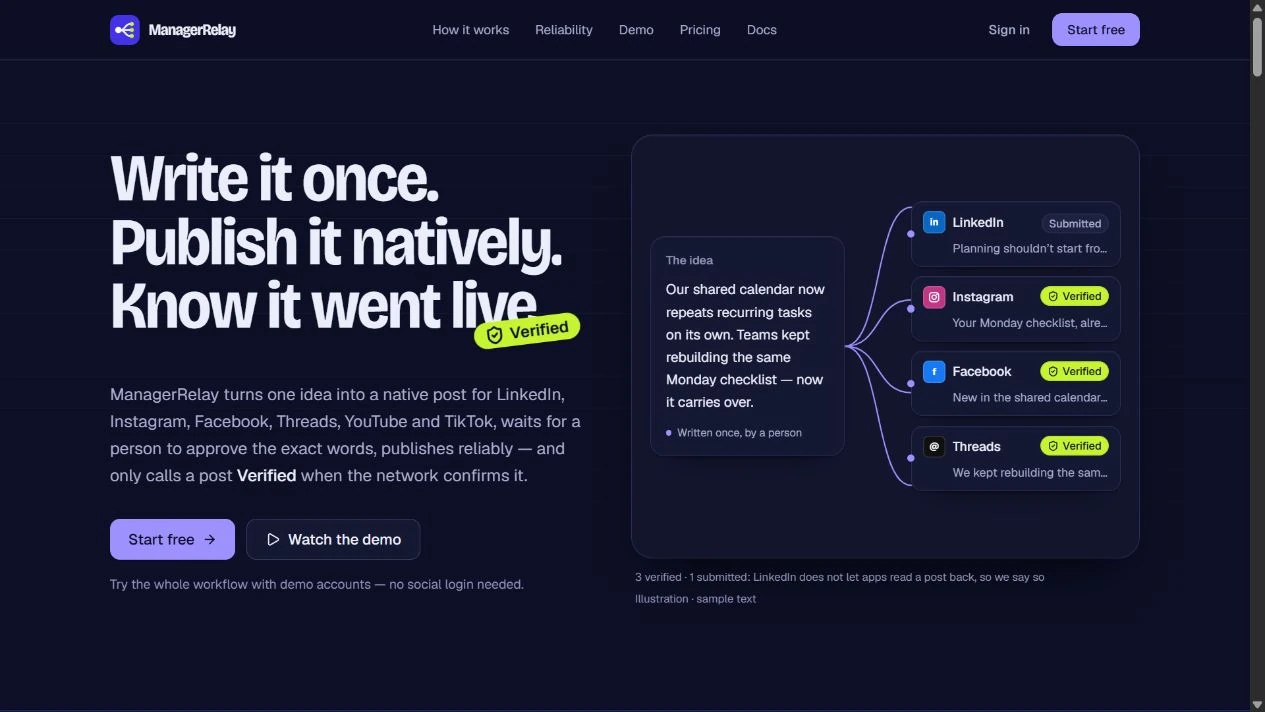
  • Manager Relay’s overview illustrates channel-specific drafts and the approval, submission and verification stages.

    AI Techbom product / social publishing and automation

    Manager Relay

    Manager Relay adapts one idea for six social networks, routes each version for approval, and schedules publishing. Teams can verify posts where networks allow and build automations with human approval steps.

    Live product

Every project is labelled with where it really stands. All work

Realistic examples

Situations we would scope.

These are typical starting points, not past clients. Tell us yours and we will say honestly whether it fits.

  • A pharmacy entering supplier invoices

    Each invoice line carries a batch and an expiry date. The workflow reads them and prepares the purchase entry for a person to confirm.

  • A wholesaler matching invoices to purchase orders

    Invoices are checked against the order and the delivery note, and only the mismatches reach the accounts team.

  • A logistics team receiving delivery notes

    Signed delivery notes arrive as photos. The workflow reads the reference and status and updates the order record.

Questions

Straight answers.

Something else? Ask us.

What kinds of documents can be processed?

Invoices, purchase orders, delivery notes, receipts and forms, as PDFs, email attachments or phone photos. We test with your real documents before agreeing what the workflow will handle.

What happens when the system is not sure?

The field goes to a person with the document beside it. Nothing doubtful is posted automatically.

Can it enter data in our accounting software?

Usually, through the software's API or an import. We check your system first and tell you plainly what connects.

How do you scope and price an invoice OCR integration?

Setup depends on the document formats, accounting destination, validation rules and review steps. Running costs can include extraction per page, hosting and support. Bring a redacted sample of ordinary and difficult invoices plus one month of volumes. We can use those to propose one invoice workflow and agree pilot checks.

What happens if the same invoice arrives twice?

Define duplicates using supplier identity and invoice number together, with a review path for missing references, credit notes and corrections. Keep the original source and destination record linked so retries can be reconciled.

Where are you based?

In Islamabad, Pakistan. Our work so far includes clients in the UK and the UAE.

Have one invoice workflow in mind?

Tell us your monthly volume, accounting system and which entries still need approval. Start with a redacted sample.

Discuss invoice automation