Skip to content

AI automation and agents

AI that does the work,and shows its working.

Agents and workflows that take repeated work off your team, with a person approving what matters and every result checked.

What we automate

Six places AI workflows earn their keep.

  • Customer enquiries

    Routine questions answered from your own information; anything unusual goes to a person.

    A person: Approves replies before they go out, and handles every escalation.

    • Website form
    • Email inbox
    • Order system
    • Helpdesk
  • Lead qualification

    New leads are checked against your criteria so sales time goes where it counts.

    A person: Sales chooses who to call; the agent only prepares.

    • Website form
    • Company website
    • CRM
    • Team chat
    • Booking link
  • Appointments

    Bookings and changes handled in conversation, without double-booking.

    A person: Staff set the rules and can change any booking.

    • Booking request
    • Calendar
    • Email or text
  • Document processing

    Invoices and forms read, checked and entered, with doubtful fields sent for review.

    A person: Reviews low-confidence fields before anything is posted.

    • Shared inbox
    • Purchase orders
    • Accounting system
  • Operations

    Routine operational decisions prepared for a quick yes or no.

    A person: A manager approves every order.

    • Inventory
    • Sales history
    • Supplier
    • Team chat
  • CRM and integrations

    One change in one system reaches every system that needs it, once.

    A person: Gets a short report of anything that failed and why.

    • CRM
    • Accounting
    • Project tool
    • Email

See it run

Pick a use case and watch a workflow run.

What starts it, what the agent does, where a decision is made, which systems it touches and how the result is checked.

Complete: result verified

Illustrative example, not a live system

Step 1 of 5: trigger

A message arrives

A customer writes through the website form or by email.

Systems it works with

  • Website form
  • Email inbox
  • Order system
  • Helpdesk

Where a person decides

Approves replies before they go out, and handles every escalation.

Routine questions answered from your own information; anything unusual goes to a person.

Illustrative example of the kind of workflow AI Techbom builds. It is not a live system and the steps are not connected to real accounts.

How we build them

Three rules every workflow follows.

They are the rules Manager Relay, an AI product we built, runs on, and the ones we would build your workflow on.

  1. 01

    A person approves what matters

    Agents draft and prepare. Anything that commits your business waits for a yes.

  2. 02

    Submitted is not verified

    A step only counts as done once the result has been checked in the system it changed.

  3. 03

    Nothing happens twice

    Failures are retried only where they can recover, with protection against duplicates.

What is covered

From the first agent to the whole workflow.

Agents and workflows that take repeated work off your team, with a person approving what matters and every result checked.

  • AI agents for enquiries, leads and documents
  • Intelligent workflows across the tools you already use
  • Business process automation
  • Human approval steps and a record of what happened

In our work

Built, not only described.

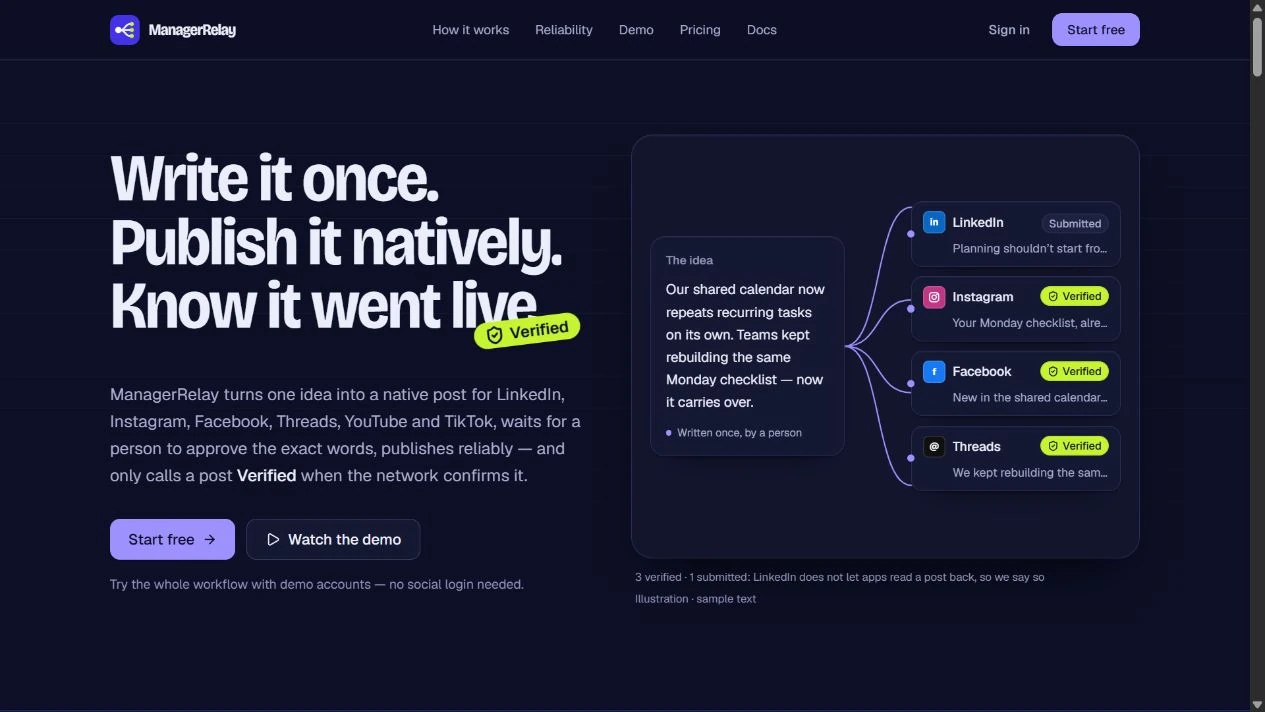
Manager Relay drafts with AI, waits for a person to approve, and verifies posts where the network supports it.

  • AI Techbom product / social publishing and automation

    Manager Relay

    Manager Relay adapts one idea for six social networks, routes each version for approval, and schedules publishing. Teams can verify posts where networks allow and build automations with human approval steps.

    Live product
  • AI Techbom product / pharmacy operations and pos

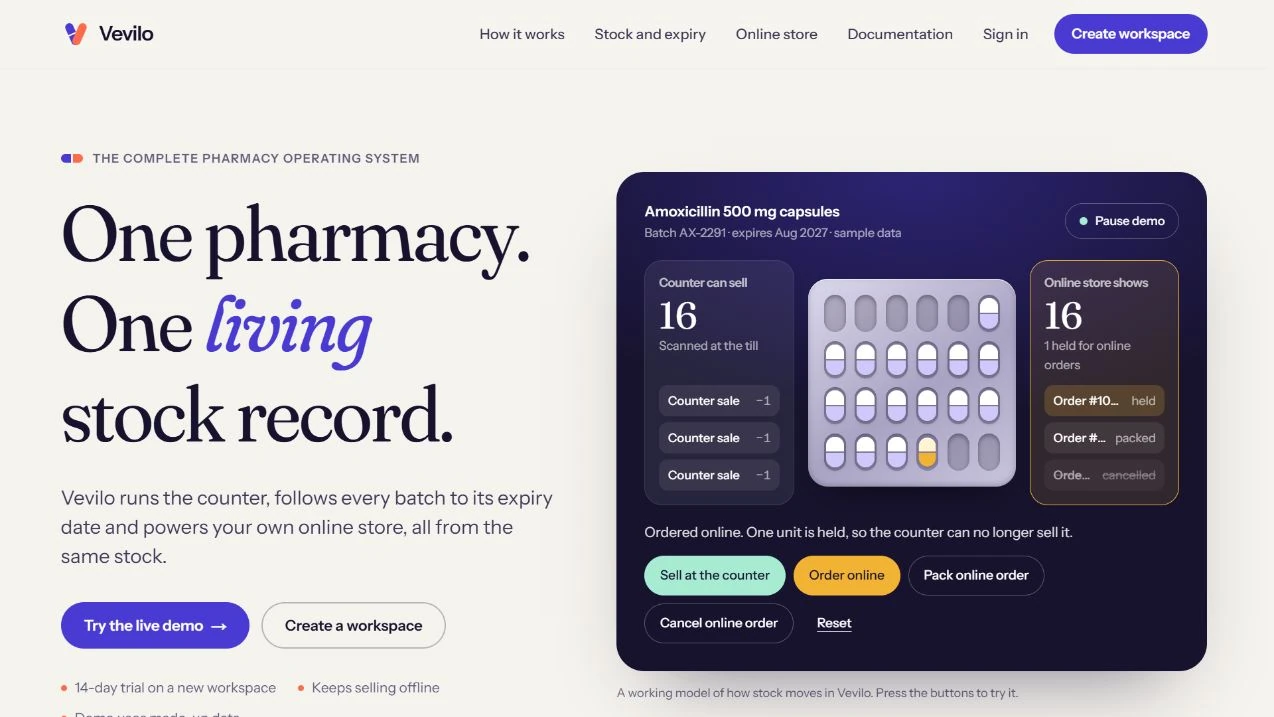
    Vevilo

    Vevilo runs the pharmacy counter, tracks medicine batches and expiry dates, and powers a branded online store from one stock record. The desktop till can keep selling through an internet outage.

    Live product

Questions

Straight answers.

We also test agents in public in the AI Techbom Lab.

What kinds of work can be automated?

Repeated work with rules you can write down: answering routine customer enquiries, qualifying leads, handling appointments, reading and entering invoices and forms, preparing operational decisions and keeping systems in sync. We check any idea against your real process before promising it.

Will the AI act without anyone approving it?

Not for anything that commits your business. Agents draft and prepare, and a person approves what matters. Doubtful items are sent for review rather than guessed. We design for that rather than promise that an agent never makes a mistake.

How do you know a step really worked?

A step only counts as done once the result has been checked in the system it changed. Manager Relay marks a post verified after the network confirms it.

Can it work with the tools we already use?

That is the usual case. A workflow typically touches systems such as an inbox, a CRM, a calendar or accounting software. We look at your actual tools first and tell you plainly what connects and what does not.

Is the demo on this page a real system?

No. It is an illustrative example of the kind of workflow we build and is not connected to real accounts. The Manager Relay walkthrough shows the publishing workflow with simulated social accounts.

How much does it cost and how long does it take?

It depends on the workflow, so we do not publish a price list or a standard timeline. After a first conversation we write a staged plan, starting with the one workflow that will help most.

Which work could an agent take off your team?

Tell us the task, how often it happens and the tools it touches. We will tell you honestly whether it is worth automating.

Discuss AI automation